Publishing Tools
Free AI Image Generator
Create downloadable AI images from text with a free no-login community option and no API key setup.
The prompt is processed by a protected UtilMesh server route and sent to an AI generation service. The completed image is loaded directly from the provider, so the result URL may show the provider's storage domain. Generated content may be inaccurate, so review it before use. Do not submit private or personal information.
Your generated image will appear here
Add subject, lighting, composition, and style details for a stronger result.
How to use
Describe a subject, choose a style and aspect ratio, then use Free HD, the AI Horde community queue, or Puter without configuring an API key.
- Choose Free HD, the no-login community queue, or the Puter AI provider.
- Describe the subject, scene, lighting, colors, and composition you want.
- Choose a style, aspect ratio, and generation quality.
- Generate the image, wait for the selected provider, and download the result.
Best for
- Blog and social illustrations
- Product concept images
- Marketing visual drafts
Why the result matters
- Specific prompts usually work better than short prompts because they give the model clear visual direction.
- AI Horde uses volunteer GPUs with a lower-priority public queue, while Puter uses each signed-in user's own allowance.
- Community mode currently generates square 1:1 images; Free HD and Puter also support 16:9 and 9:16 layouts.
Example inputs
- Minimal product photo with soft studio lighting
- Cinematic landscape in a 16:9 composition
- Editorial illustration for a technology article
Free AI image generation without login
Community Free mode sends one text-to-image job to AI Horde, a volunteer-powered GPU network. It does not require an account, payment card, or developer API key. Anonymous requests use the lowest-priority public queue, so generation time changes with worker availability and current demand.
In our integration test, a 512 by 512 image completed in about 17 seconds. That is a useful reference rather than a speed promise: busy periods can take longer, and the tool cancels community jobs that exceed three minutes.
Free HD
- No login or visitor API key
- Higher-resolution image output
- Square, landscape, and portrait formats
- Protected server-side request
Community Free
- No login, payment, or API key
- Shared Stable Diffusion workers
- Public lower-priority queue
- WebP download after generation
Puter AI
- Usually faster and more consistent
- Uses GPT Image Mini
- May request Puter sign-in
- Uses the visitor's own allowance
A prompt formula that produces clearer images
Describe the subject first, then add the environment, composition, lighting, color palette, and visual treatment. Concrete visual instructions give the model more useful direction than broad phrases such as “make it beautiful.”
Subject + environment + camera or composition + lighting + colors + style
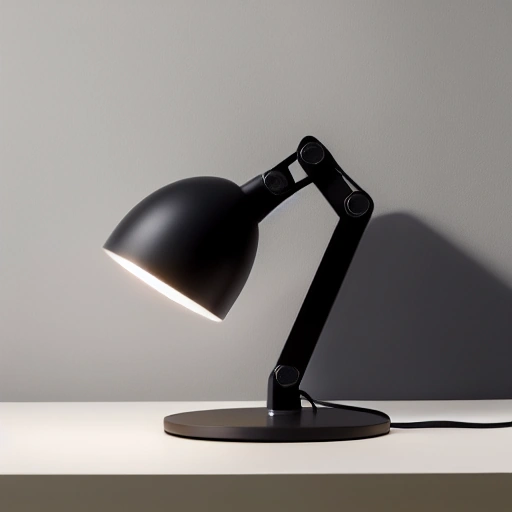
Example: A matte black desk lamp on a cream studio background, three-quarter product angle, soft window light, subtle shadow, minimal editorial photography.
AI image prompt examples
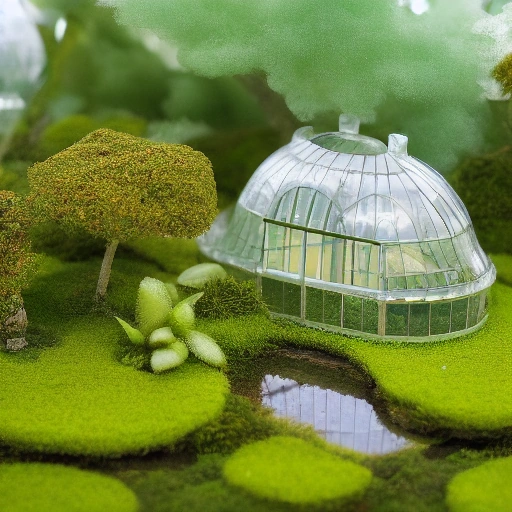
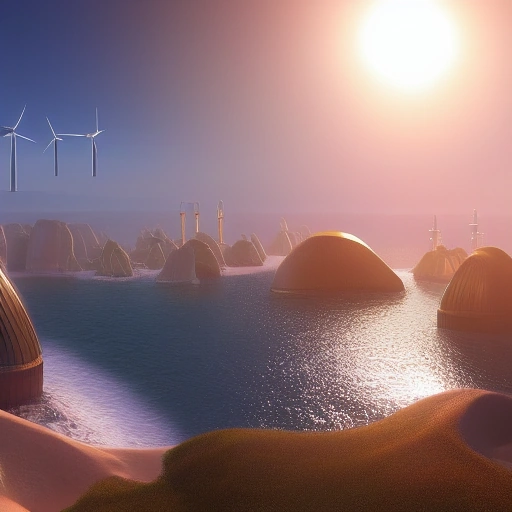
These examples were generated from the same kinds of prompt, style, and aspect ratio controls available above. They show how subject detail and composition change the result more than adding a long list of generic quality words.
Higher detail is the default
Higher detail uses more diffusion steps in Community Free mode and medium quality in Puter mode. Free HD uses a larger output tier. It normally produces cleaner shapes and more coherent details, so it is now the default. Fast mode remains useful when you want to test prompt ideas before a final generation.
Community Free currently generates square 1:1 images. Free HD and Puter also provide 16:9 for article covers and slides and 9:16 for vertical social layouts. Always inspect small text, hands, repeated objects, logos, and product details before publishing an AI-generated image.
FAQ
Is the AI image generator free?
Free HD and AI Horde community mode are currently free without login. Anonymous community jobs have the lowest queue priority. Puter mode uses the user's own allowance and may require an upgrade after that allowance is used.
Do I need an API key?
No. Free HD uses a protected UtilMesh server route, Community mode uses official anonymous access, and Puter handles its own user authentication.
Where is my prompt processed?
Free HD prompts pass through a protected UtilMesh server route to an AI generation service. Community prompts are processed by volunteer workers, while Puter prompts are sent to Puter and its selected provider. Free HD results load directly from the provider after generation, and UtilMesh does not intentionally store prompts or generated images.
Can I download the generated image?
Yes. After generation, download the result as PNG or WebP, depending on the selected provider. The browser downloads provider-hosted files directly, so media bytes do not pass through UtilMesh. If a provider blocks browser file access, use Save as on the preview.
Why can community generation take longer?
Anonymous AI Horde jobs use the lowest-priority public queue and wait for a compatible volunteer GPU to become available.
Are community prompts private?
No. AI Horde jobs are processed by community workers and anonymous generations may be shared publicly, so do not submit private or personal content.
Why might Puter ask me to sign in?
Puter associates AI usage with the person using the tool so each user receives and manages their own allowance.